Shopware 6
Shopware 6 via the Admin API with OAuth client credentials.
How it works
Shelfshoot connects to the Shopware 6 Admin API using OAuth client credentials (an integration). We search products by product number. Image upload to Shopware is on the way.
Set up Shopware
- In Shopware admin, go to Settings → System → Integrations and click ‘Add integration’.
- Name it Shelfshoot and assign a role with product read/write permissions.
- Save and copy the Access key ID (Client ID) and the Secret access key (Client secret).
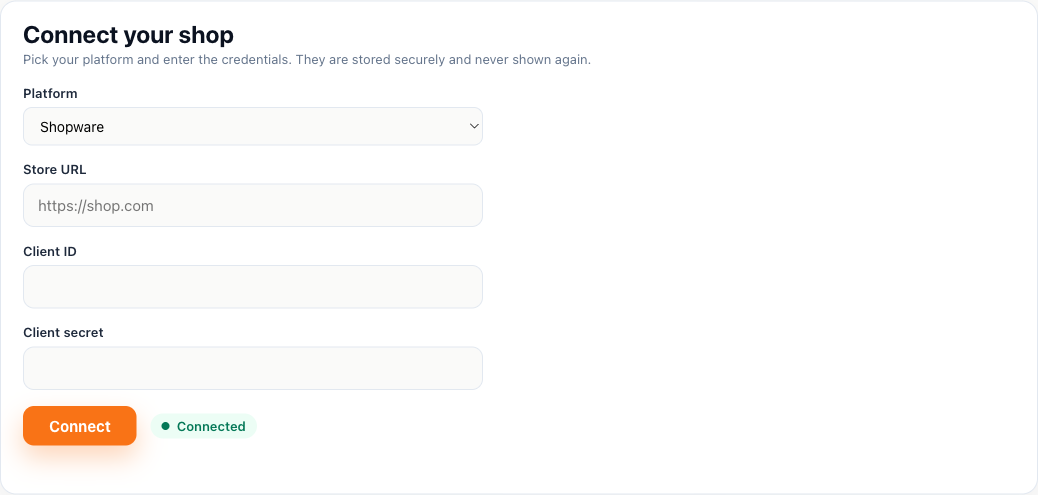
- In the Shelfshoot portal choose Shopware and enter your store URL, client ID and client secret.
Connect in Shelfshoot
Open the Integration tab in the portal, pick Shopware, and paste your store URL, client ID and client secret.
Stuck? We are happy to help you connect — just reach out.