See Shelfshoot in action
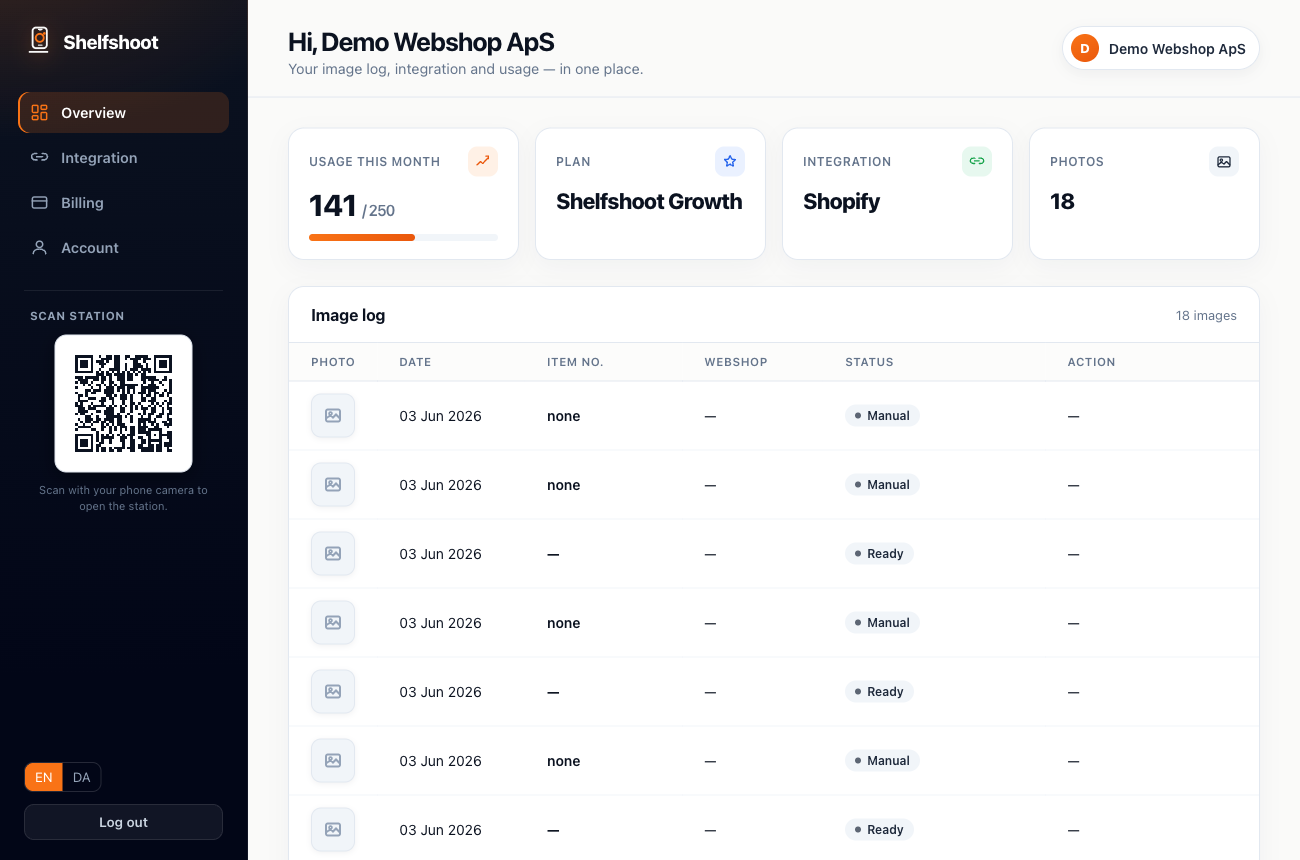
From a phone photo on the warehouse floor to a clean, background-removed image live on your product page — in under a minute.
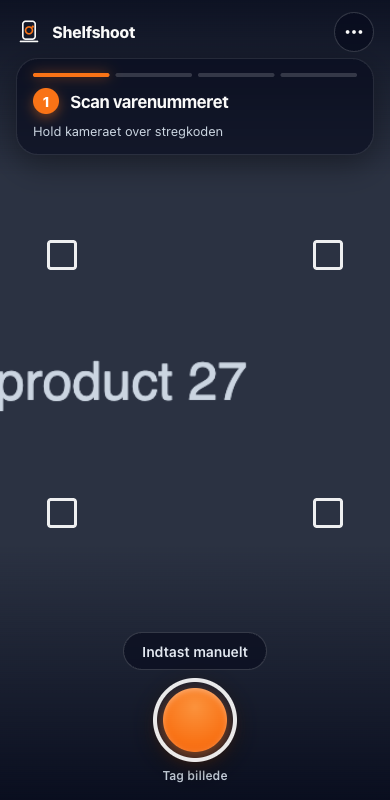
1 · ScanOpen the scan station on any phone, point at the product and the barcode.
2 · CleanThe background is removed automatically and the image is normalised to store-ready output.
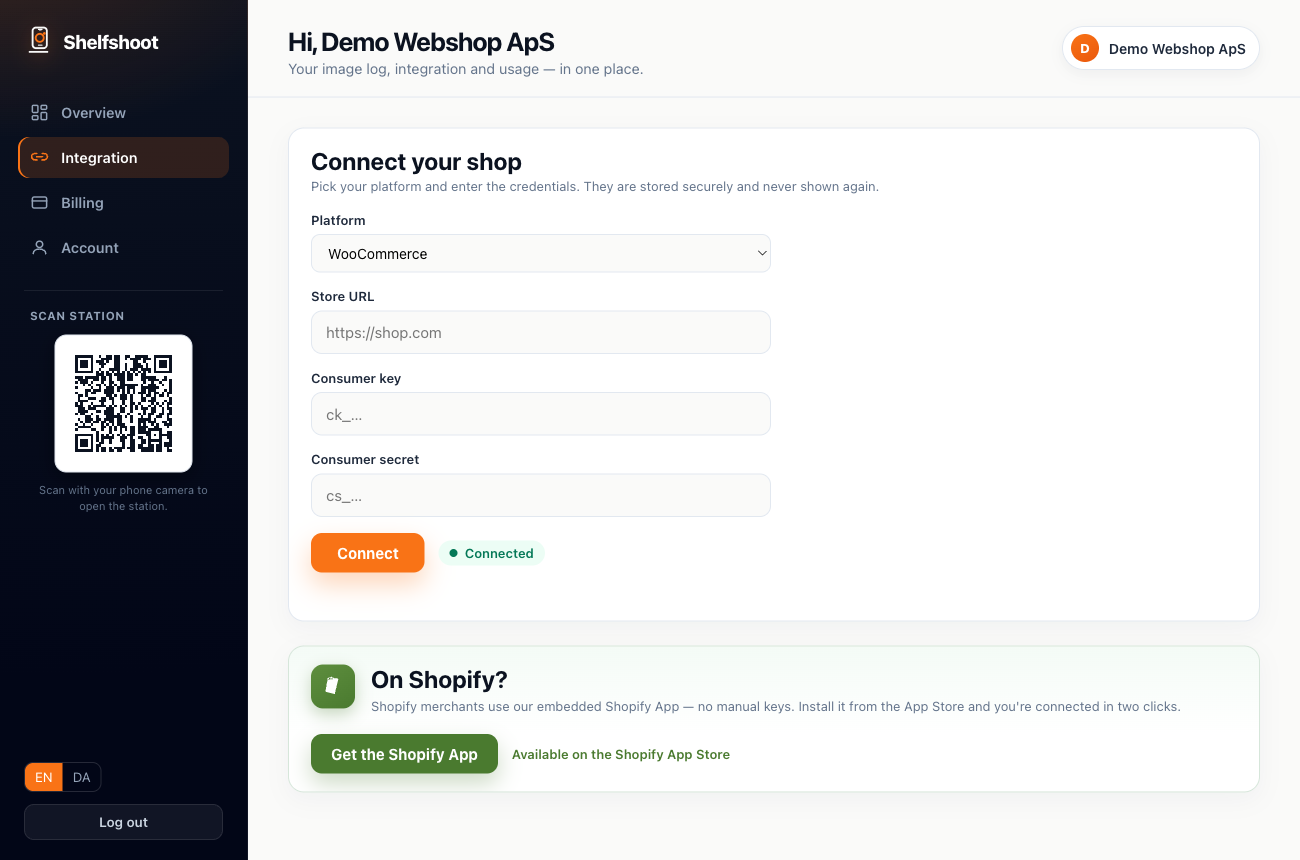
3 · PublishWe match on SKU and push the finished photo straight onto the right product.
Try it yourself — free
Start with 10 free images, no card required — create your workspace and explore the full portal.
Start free