Own API
Running another platform? Point Shelfshoot at your own endpoints with a simple REST contract.
How it works
If you're on a platform we don't integrate with yet, Shelfshoot can talk to your own backend. You implement two endpoints — look up a product by code, and attach an image — secured with a Bearer API key. Full control, no plugin required.
Set up Own API
- Expose an endpoint to look up a product by code/SKU, and one to attach an image to it.
- Protect both with a Bearer API key. The exact request/response shape is in our API reference.
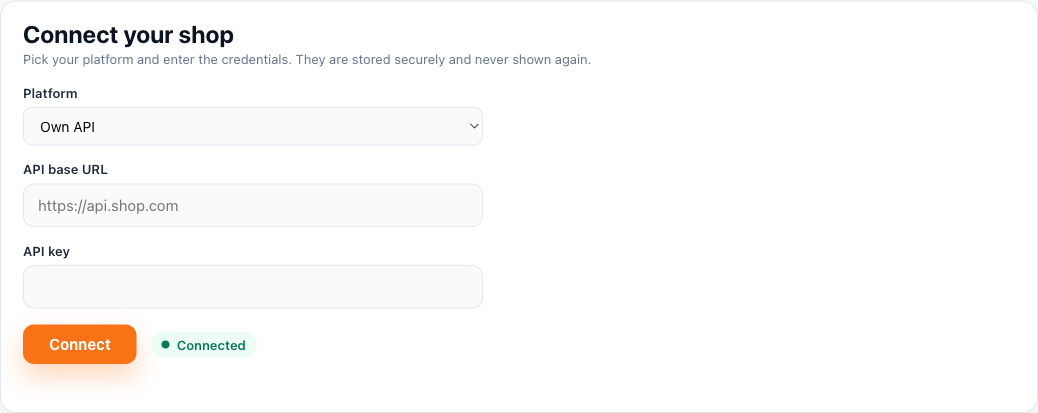
- In the Shelfshoot portal choose Own API and enter your API base URL and API key.
Connect in Shelfshoot
Open the Integration tab in the portal, pick Own API, and enter your API base URL and key. See the API reference for the full contract.
Stuck? We are happy to help you connect — just reach out.