Magento
Adobe Commerce / Magento via the REST API and an integration token.
How it works
Shelfshoot uses the Magento REST API (/rest/V1) with an integration access token. We look up the product by SKU and upload the finished image to the product's media gallery.
Set up Magento
- In Magento Admin, go to System → Extensions → Integrations and click ‘Add New Integration’.
- Name it Shelfshoot. Under API, grant access to Catalog → Products (including product media).
- Save, then click ‘Activate’ and confirm. Copy the Access Token that is shown.
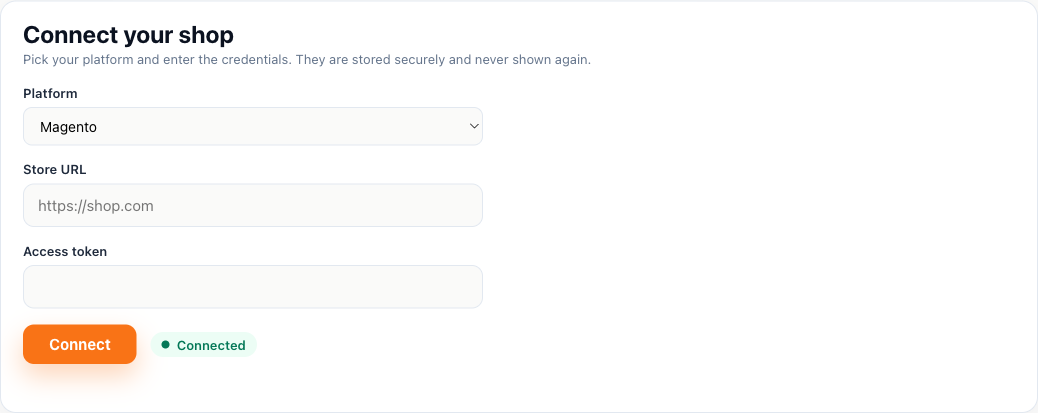
- In the Shelfshoot portal choose Magento and enter your store URL and access token.
Connect in Shelfshoot
Open the Integration tab in the portal, pick Magento, and paste your store URL and access token.
Stuck? We are happy to help you connect — just reach out.